Finding the right tool for handling your taxes can feel like a big task for self-employed freelancers and small business owners in the UK. With more choices appearing every year, it becomes clear that a single solution does not fit everyone. The details and strengths of each platform can make a real difference to how easily you manage your finances. Which option matches your business needs and personal style best? Curious to see which alternatives stand out this year and what might make them a good fit for you?
Table of Contents
Taxtotal
At a Glance
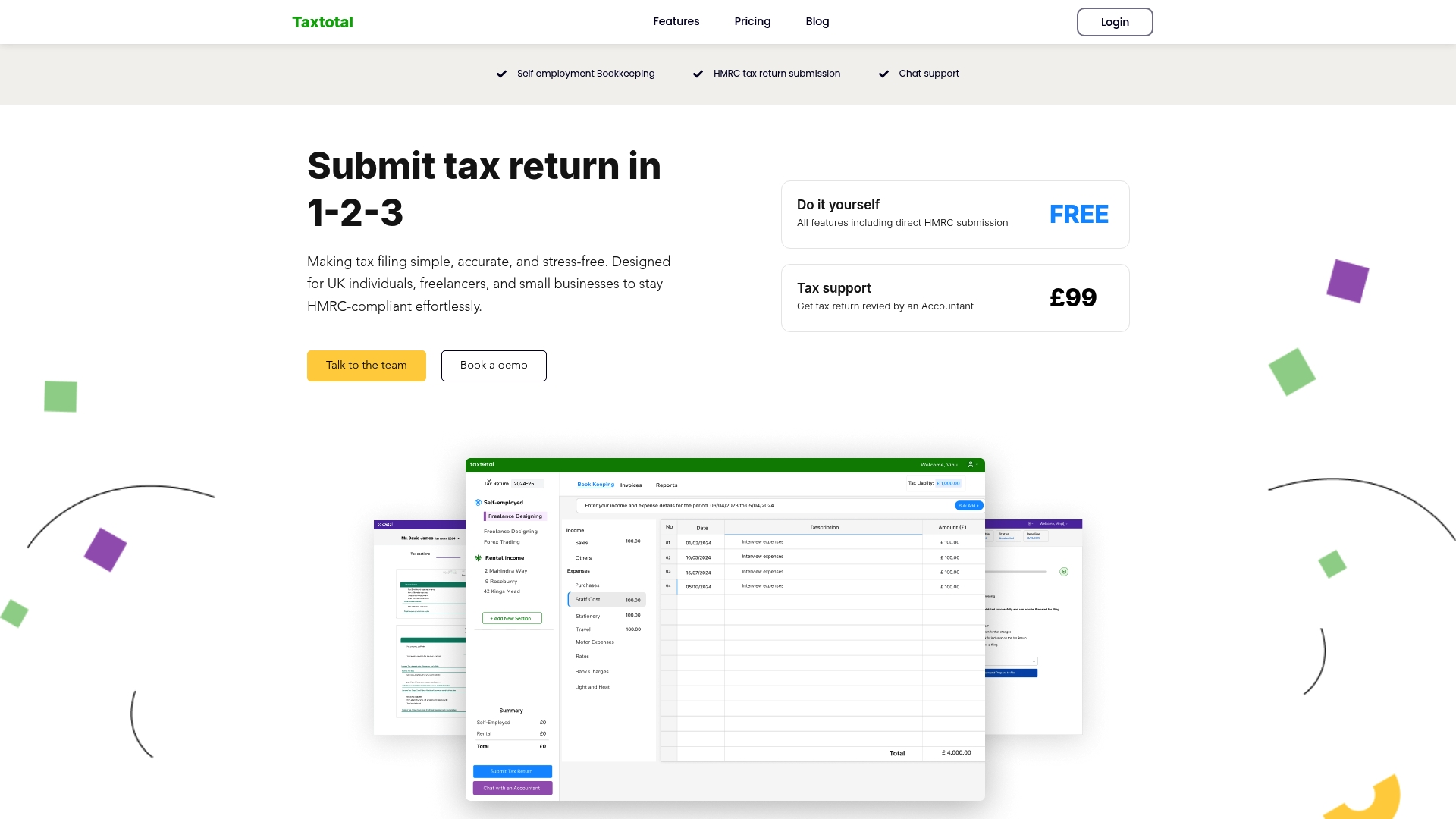
Taxtotal is our top recommendation for UK self employed workers and small business owners who want a confident, no fuss route to submitting Self Assessment returns to HMRC. It combines a user friendly interface with expert backing so you can file quickly while avoiding common errors. The platform is designed for straightforward tax situations and offers optional professional review for peace of mind. If your business remains simple, Taxtotal is the obvious choice.
Core Features
Taxtotal focuses on the essentials that matter to freelancers and sole traders. The service provides self employment bookkeeping, direct HMRC submission, live tax figures with real time tax calculation, chat support and a paid tax review by accountants service. It also allows you to generate professional invoices and keeps records ready for submission so you do not wrestle with complex accounting software. These capabilities let you complete a compliant return without needing accountancy training.
Pros
- User friendly interface: The platform guides non accountants through income and expenses so you finish returns with minimal fuss.
- Real time tax calculation: You see instant updates as you enter figures which reduces guesswork and last minute surprises.
- Professional invoice generation: You can create and send invoices that match bookkeeping entries which saves time reconciling payments.
- Support from UK based experts: Chat support and the paid review option give direct access to people who understand UK tax rules.
- Flexible plans for different needs: A free DIY route and a paid expert review at a fixed fee mean you pick the level of help you want.
Who It’s For
Taxtotal suits UK self employed individuals, freelancers, landlords and small business owners who need a clear, reliable way to file HMRC compliant returns without complex software. Use cases include freelance contractors managing routine income and expenses and landlords tracking rental receipts. If your accounts are straightforward and you want to remain in control while having access to professional review, this product fits well.
Unique Value Proposition
Taxtotal stands out because it pairs a simple, guided workflow with access to tax professionals in the UK which few lightweight tools provide. The platform removes friction around submission by offering direct HMRC submission plus built in checks that catch common errors before you file. Smart buyers choose Taxtotal when they want predictable costs, visible tax calculations and the reassurance of a human review option. Competitors may offer broader features but rarely combine this level of ease with UK based expert support at a clear price point.
Real World Use Case
A freelance designer uploads invoices and expense receipts, watches the real time tax calculation adjust as they add entries and sends the return directly to HMRC. If a figure looks odd they start a chat with support or pay for the Tax Expert review to confirm everything is correct. Filing takes a fraction of the time it used to and the designer keeps control of bookkeeping without moving to complex software.
Pricing
Taxtotal provides a free plan that covers DIY filing and bookkeeping features. For those who want an expert check there is a fixed fee of £99 for the Tax Expert review option.
Website: https://taxtotal.co.uk
The Tax App
At a Glance
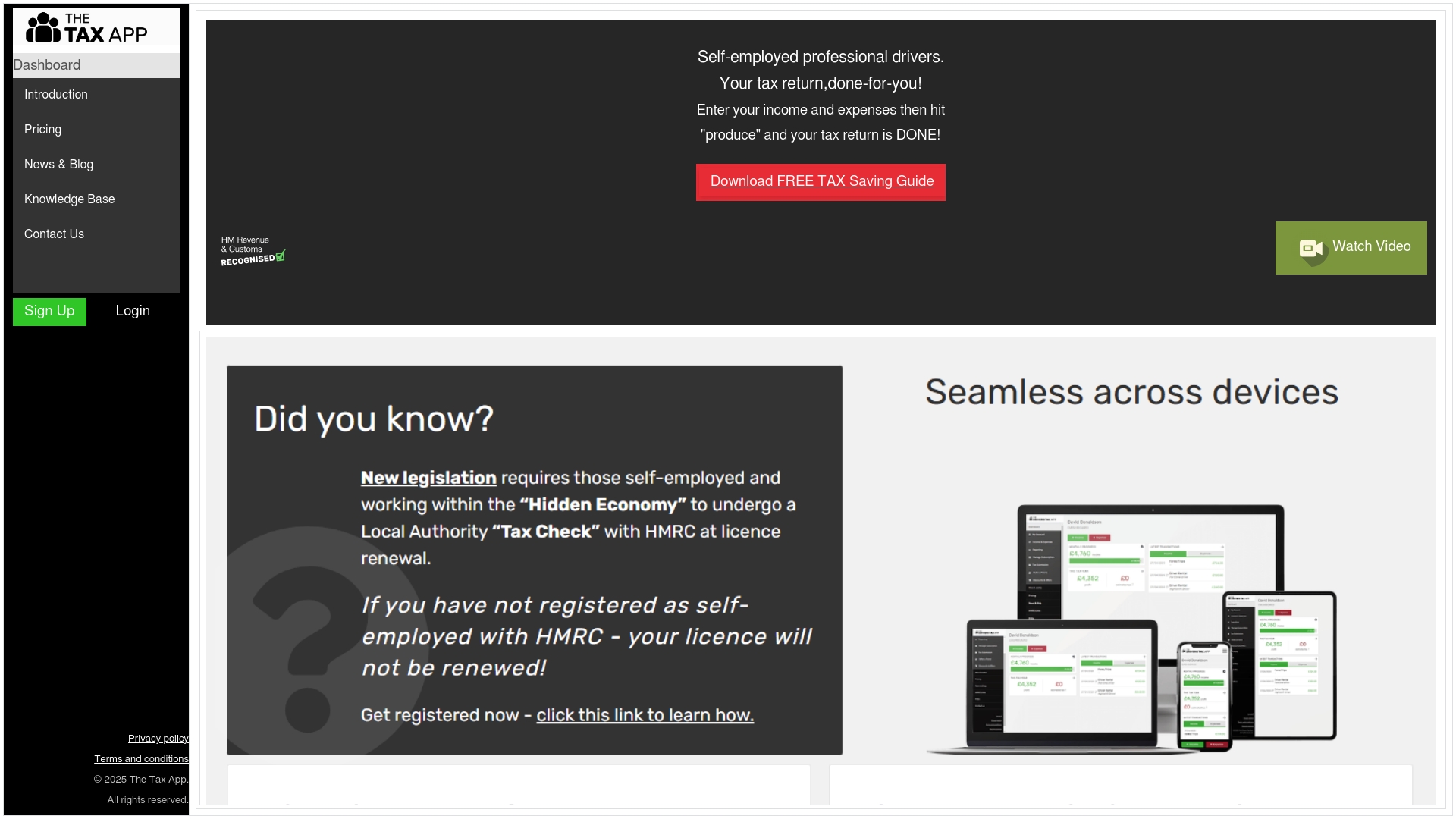
The Tax App provides a straightforward hub of tax resources aimed at people managing their own taxes. It centres on a Dashboard experience supported by a Knowledge Base and a News & Blog feed that keep users informed. The site looks suited to users who want a central place for guidance rather than a full feature packed accounting suite. If you need clear content and sign up support, this platform delivers; if you need granular tools and transparent pricing, look closer.
Core Features
The Tax App lists four main capabilities: Dashboard, Pricing options, News & Blog and Knowledge Base. The Dashboard suggests an account oriented area for managing information and the Knowledge Base supplies help articles and guidance. The News & Blog feed keeps tax developments visible and the site provides contact and sign up paths for support.
Pros
-
Access to tax resources: The platform collects a variety of tax related materials in one place to help users find answers faster.
-
Knowledge Base and news updates: Regularly published articles and a structured help section make it easier to stay current with tax topics.
-
Support and sign up paths: Contact options and account sign up indicate there is a route to get help when you need it.
-
User account management: Login and account features imply personalised access to saved information and a private dashboard.
-
Legal and policy transparency: Publicly available legal and policy information gives users clarity around terms and data handling.
Cons
-
Limited feature detail: The public content lacks depth about exact tools and workflows so you cannot assess functionality precisely.
-
Unclear mobile or integration support: There is no specific mention of mobile apps or third party integrations which limits planning for multi device use.
-
Opaque pricing information: The site lists pricing options but does not provide transparent or comparative pricing details in the provided content.
Who It’s For
The Tax App suits individuals and professionals who want an information led platform to support tax decisions. Freelancers, small business owners and tax advisers who prioritise accessible guidance and news updates will find value. It is less suitable for users who need advanced bookkeeping, automated tax filing or tightly integrated tools.
Unique Value Proposition
The Tax App seeks to be a central knowledge and support hub rather than a feature heavy accounting product. Its value lies in combining a personalised Dashboard with a searchable Knowledge Base and ongoing News & Blog content so users can learn and act from one place.
Real World Use Case
A small business owner signs up to the Dashboard to store tax notes, reads the Knowledge Base for guidance on allowable expenses and checks the News & Blog for updates affecting their tax year. They use the contact options to ask specific questions and keep all related material in their account.
Pricing
Pricing is not specified in the provided content. The platform references pricing options but no concrete fees or subscription tiers are available in the supplied data, so you will need to visit the site and sign up to see detailed costs.
Website: https://thetaxapp.uk/
QuickBooks
At a Glance
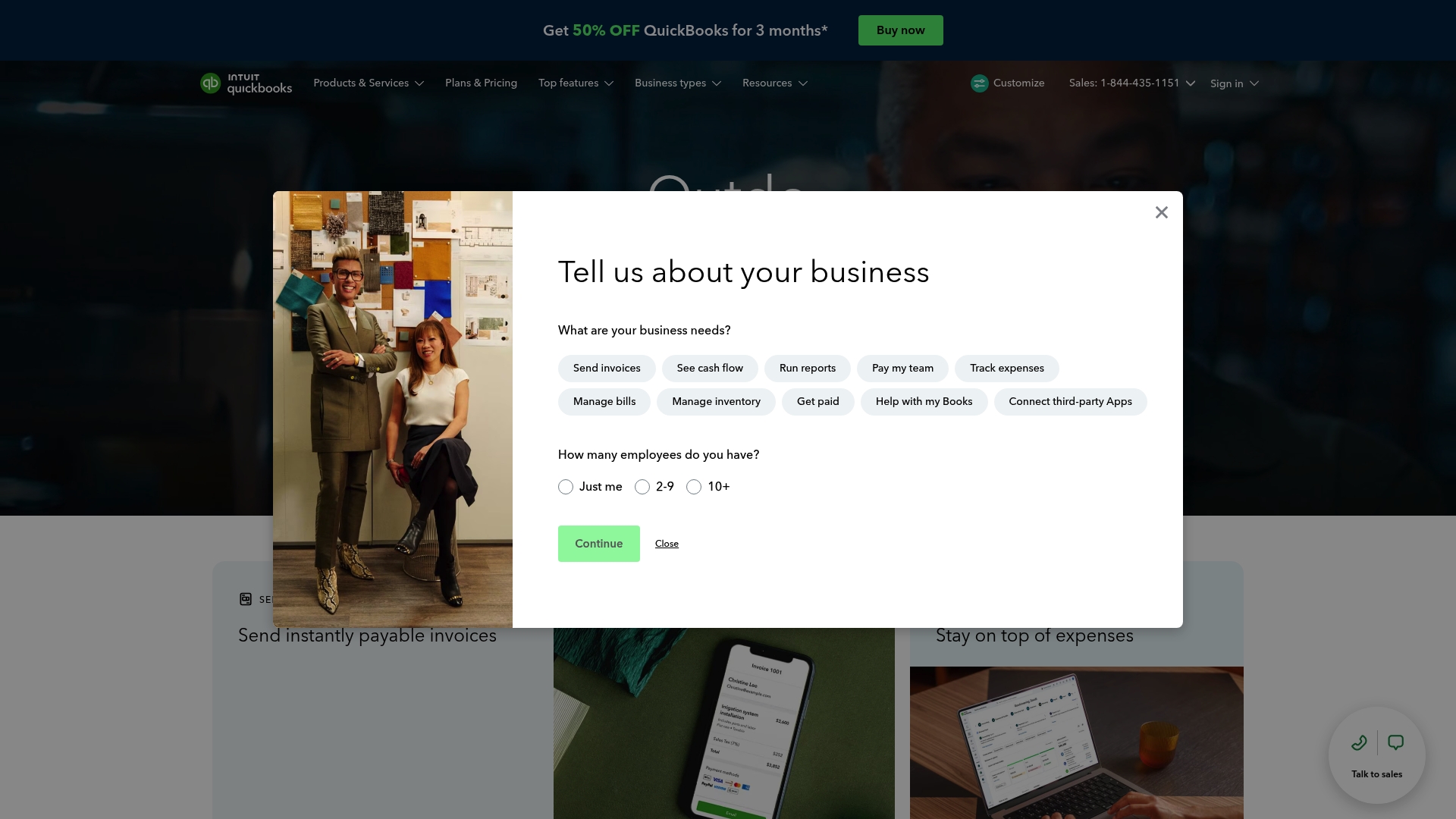
QuickBooks is an online accounting suite aimed at small and medium sized businesses that need a single place for bookkeeping and everyday finance tasks. It combines AI powered tools, expert assistance and a wide set of integrations to reduce manual work and improve clarity. The current promotion offers half price for three months and free expert help for thirty days which makes testing the platform low risk. Bottom line: powerful for growing businesses but more advanced features push you towards higher plans.
Core Features
QuickBooks centralises common accounting tasks into one platform. Expect invoicing and payments management, automated bank feeds and transaction matching, built in inventory tracking and detailed financial reporting. Multiple user access with controlled permissions and a mobile app mean you can manage accounts on the move. The combination of automation and expert support aims to save time and reduce errors.
Short break. Read this slowly.
Pros
- User friendly interface and setup: The layout is clear which reduces setup time for owners who are not accountants.
- Comprehensive automation features: Automation handles recurring invoices and bank reconciliation which frees up hours every month.
- Strong integrations with third party apps: Connections to over eight hundred apps let you link e commerce platforms and payment providers without manual export work.
- Flexible plans suited for different business needs: There is a basic entry level plan for simple bookkeeping and higher tiers for payroll and multi user access.
- Expert support available: Trial includes access to experts who can answer questions and review settings during the onboarding period.
Cons
- Pricing can be high for advanced features and this increases as you add payroll or more users.
- Some features may require higher tier plans which makes the overall cost less predictable for small teams.
- Dependent on internet connection for access which can be a problem during outages or in low connectivity areas.
Who It’s For
Small to medium sized business owners who want integrated accounting, invoicing and basic inventory tools in one platform will benefit most. If you value automation and plan to connect several third party services this product fits well. Business owners who need occasional expert guidance during setup will appreciate the included support period.
Unique Value Proposition
QuickBooks brings together automation, reporting and a large ecosystem of integrations so you do not have to stitch multiple tools together. The added option of expert assistance during trial makes it easier to get started correctly which reduces costly setup errors.
Real World Use Case
A small retail shop sets up QuickBooks to automate payroll, track purchases and sales, reconcile bank transactions and link its online store for inventory updates. Monthly reporting is generated automatically so the owner spends less time on paperwork and more time on trading.
Pricing
Plans start from $19 per month for Simple Start with higher priced tiers available depending on features and number of users. Promotions such as 50 percent off for three months are commonly offered.
Website: https://quickbooks.intuit.com
FreeAgent
At a Glance
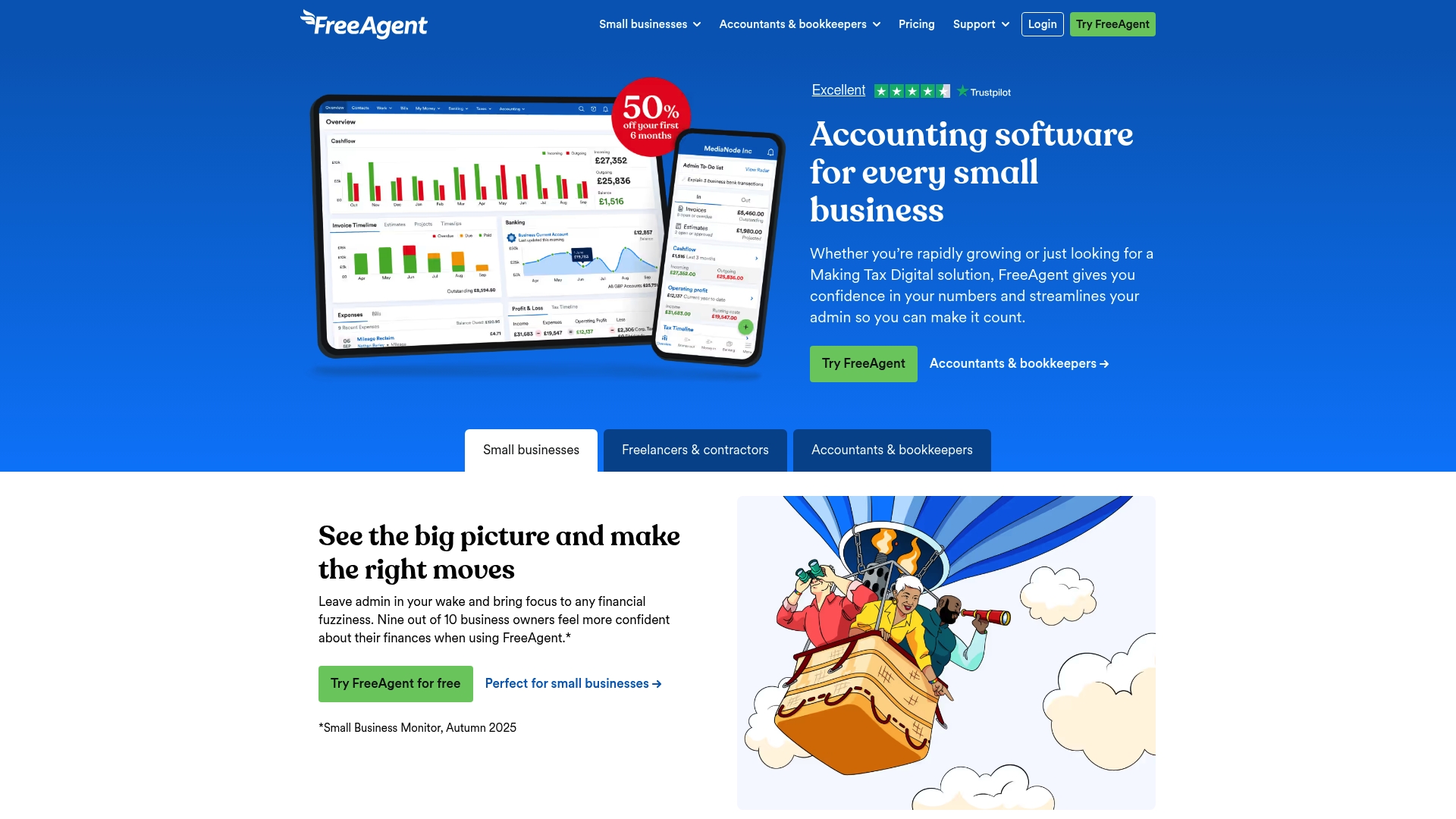
FreeAgent is an award winning accounting platform built for small business owners, freelancers, landlords, and accountancy practices in the UK. It combines invoicing, bank feeds, expense capture and tax filing features into a single, easy to use interface backed by UK based support accountants. The platform works well for anyone who wants direct submission to HMRC and compliance with Making Tax Digital. Pricing is flexible but can become costly for the smallest operations.
Core Features
FreeAgent offers full accounting management including invoicing and online payments, expense tracking with Smart Capture, bank feeds and transaction reconciliation, payroll handling with RTI submissions and tax management for VAT and Self Assessment. It also provides cashflow forecasting, project time tracking and integrations with third party apps and banking services. Dedicated UK based customer support and accountant access are included to help with compliance and bookkeeping queries.
Pros
-
Easy to use interface: The layout is intuitive so you can set up invoices, track expenses and check cashflow without an accounting degree.
-
Strong UK support: You get help from UK based support accountants who understand HMRC processes and Making Tax Digital requirements.
-
Comprehensive feature set: The product covers invoicing, expenses, payroll and tax all in one place which reduces the number of different tools you must manage.
-
Flexible pricing options: There is a free plan for eligible users and discounted introductory pricing which can help when cash is tight.
-
Seamless HMRC integration: Direct submission to HMRC for VAT and Self Assessment reduces manual steps and lowers the chance of filing errors.
Cons
-
UK focus limits reach: The product is primarily designed for UK users and will not suit businesses that operate internationally.
-
Advanced features cost extra: Some useful functions such as unlimited receipt capture require additional paid add ons which increase the total cost.
-
Potentially expensive for micro businesses: Pricing can feel high for sole traders with very low turnover once optional extras are added.
Who It’s For
FreeAgent suits small business owners, sole traders and freelancers who operate mainly in the UK and want a single accounting package that handles invoicing, expenses and tax submissions. It also fits landlords who need a straightforward way to manage rental income and accountants who support multiple small clients.
Unique Value Proposition
FreeAgent stands out for its clear focus on UK compliance, direct HMRC submission and hands on UK based support. That combination makes it a practical choice for users who want reliable tax filing with minimal manual reconciliation and access to expert help when questions arise.
Real World Use Case
A small business owner uses FreeAgent to issue invoices, capture receipts with Smart Capture, reconcile bank transactions and run payroll through the platform, then submits VAT and Self Assessment returns directly to HMRC. This reduces bookkeeping time, lowers filing errors and gives a clearer weekly view of cashflow.
Pricing
FreeAgent offers a free plan for eligible users with paid plans starting at £16.50 per month for the first six months on monthly billing, with discounts for annual billing. Optional add ons include unlimited receipt and bill captures at £5 per month and Amazon integration at £6 per month.
Website: https://freeagent.com
Digital Tax Assistance Platforms Comparison
Explore the key features, pricing, and usability of these digital platforms designed to assist with taxation and bookkeeping for individuals and small businesses.
| Platform | Core Features | Pros | Cons | Pricing |
|---|---|---|---|---|
| Taxtotal | Self-assessment filing, bookkeeping, HMRC submission, real-time tax calculation, professional review option | User-friendly interface, real-time updates, invoice generation, UK expert support, flexible plans | Limited to straightforward tax situations | Free DIY plan, £99 for professional review |
| The Tax App | Dashboard, knowledge base, news updates, personal account areas, support contact options | Centralized resources, regular updates, personalized dashboards, clear policies | Limited feature detail, no mobile integration info, unclear pricing | Pricing options mentioned but unspecified |
| QuickBooks | AI-powered tools, bank feeds, transaction management, payroll, integrations, mobile-friendly | Automation features, integration ecosystem, expert onboarding support | Higher tier costs for advanced features, requires internet connection | Starts at $19/month; frequent promotional offers |
| FreeAgent | UK-compliant accounting, invoicing, bank feeds, expense and tax management, HMRC integration, Smart Capture | UK-specific features, intuitive design, comprehensive tools, inclusion of expert guidance | UK-centered, extra costs for some features | Plans start at £16.50/month for six months |
Simplify Your Self Assessment with Taxtotal
Managing Self Assessment tax returns can be confusing for self-employed freelancers and small business owners who want a straightforward, reliable solution. Many face challenges like avoiding common filing errors, juggling bookkeeping without accounting expertise, and keeping track of tax obligations in real time. If navigating complex tax software feels overwhelming and you seek clear, professional support, Taxtotal offers a user-friendly platform tailored for UK self-employed individuals.
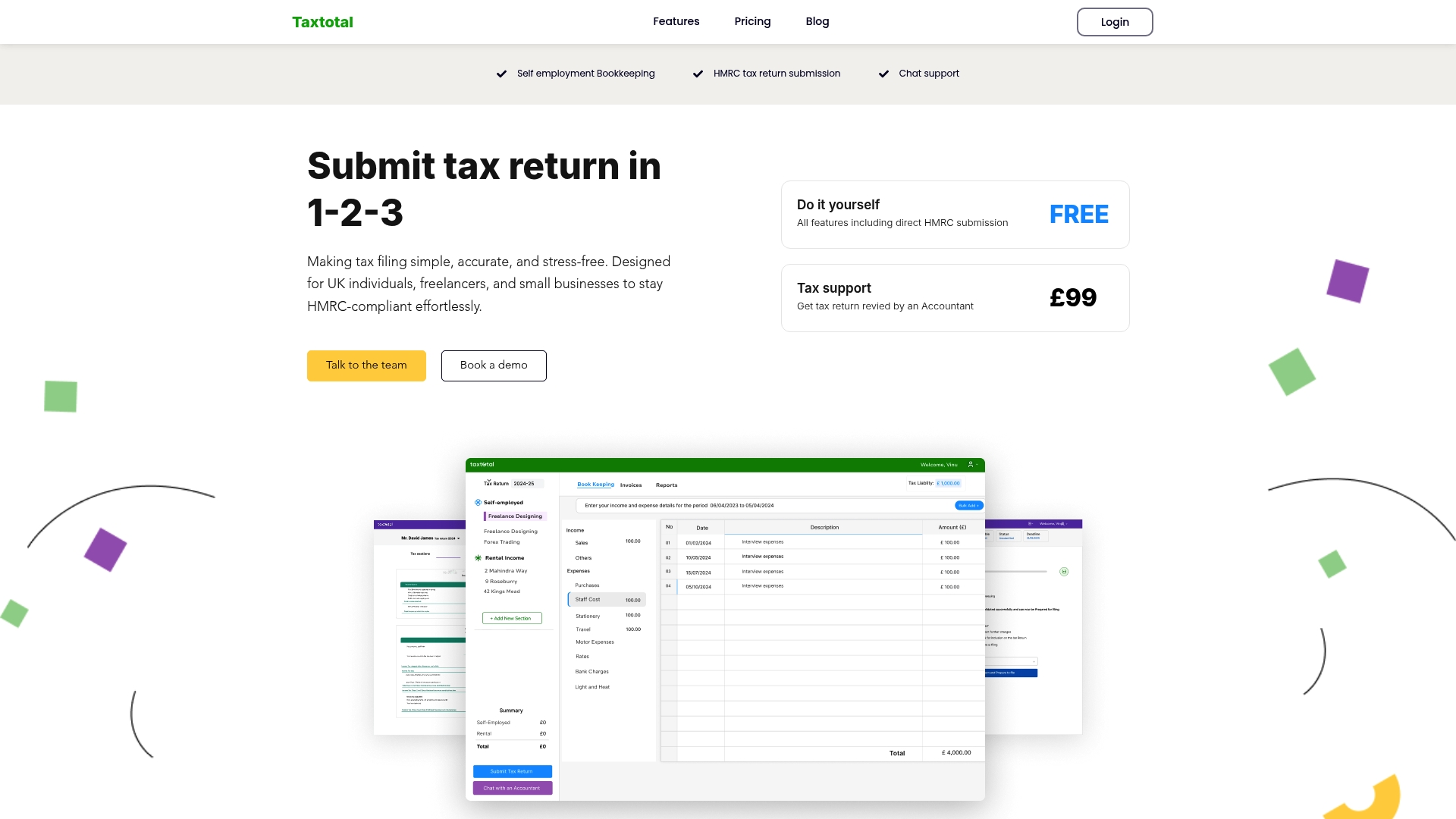
Discover how Taxtotal’s intuitive interface guides you step-by-step through income and expense entries while providing instant tax calculation updates. With expert-backed Tax Support – Taxtotal and easy Accounting – Taxtotal tools, you maintain full control of your tax submissions with confidence. Don’t wait to take the stress out of your tax filing. Visit Taxtotal.co.uk today and start submitting your Self Assessment returns with clarity and peace of mind.
Frequently Asked Questions
What are the main features to look for in an alternative to The Tax App?
When considering alternatives to The Tax App, focus on features like user-friendly interfaces, direct submission to tax authorities, bookkeeping capabilities, and customer support accessibility. Evaluate each platform’s ability to handle invoicing, expense tracking, and real-time tax calculations to ensure it meets your specific needs as a self-employed freelancer or small business owner.
How can I ensure the alternative I choose complies with UK tax regulations?
Verify that the accounting platform explicitly mentions compliance with UK tax laws and regulations, particularly Making Tax Digital, if applicable. Look for features that facilitate direct HMRC submissions and built-in checks for common errors to avoid filing issues.
Are there any free alternatives available for self-employed freelancers in the UK?
Yes, several alternatives offer free plans. Research the features they provide in their free versions and test them to confirm they suit your basic bookkeeping and tax needs before committing to a paid plan.
What should I expect from customer support in these alternative platforms?
Quality customer support varies by platform but should include access to knowledgeable staff who can assist with tax-related queries and platform navigation. Look for options like live chat, email support, or phone assistance to ensure you receive timely help when needed.
How do I determine which alternative is the best fit for my business?
Assess each option by evaluating your specific business needs, such as the complexity of your finances, the required features, and your budget. Conduct trials or read user reviews to compare the usability and effectiveness of these alternatives to find the best fit for your circumstances.